Search Logs
Search log file contents for specific patterns and events.
Overview
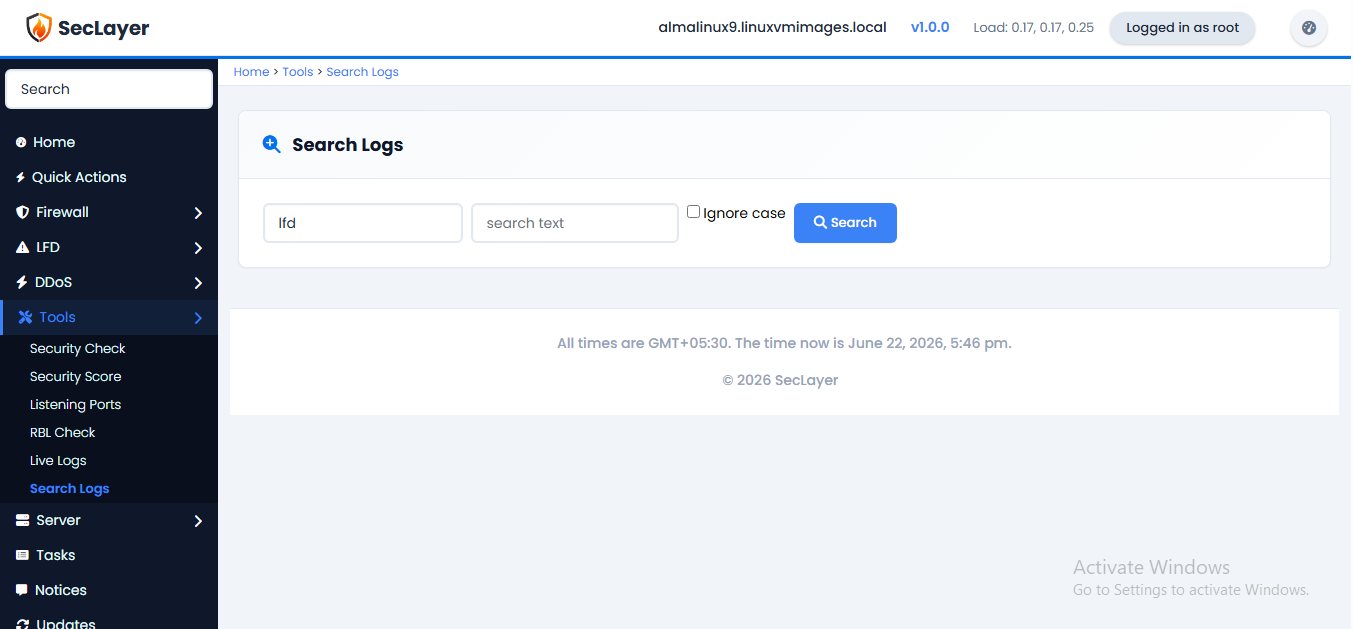
Select a log file, enter a search pattern, and click Search. Results are limited to 200 matching lines.
How to Use
- Navigate to Tools > Search Logs.
- Select a log file (lfd, messages, or secure).
- Enter a search term.
- Optionally check Ignore case.
- Click Search to view results.