Firewall Configuration
Edit the SecLayer firewall configuration file through a structured web form.
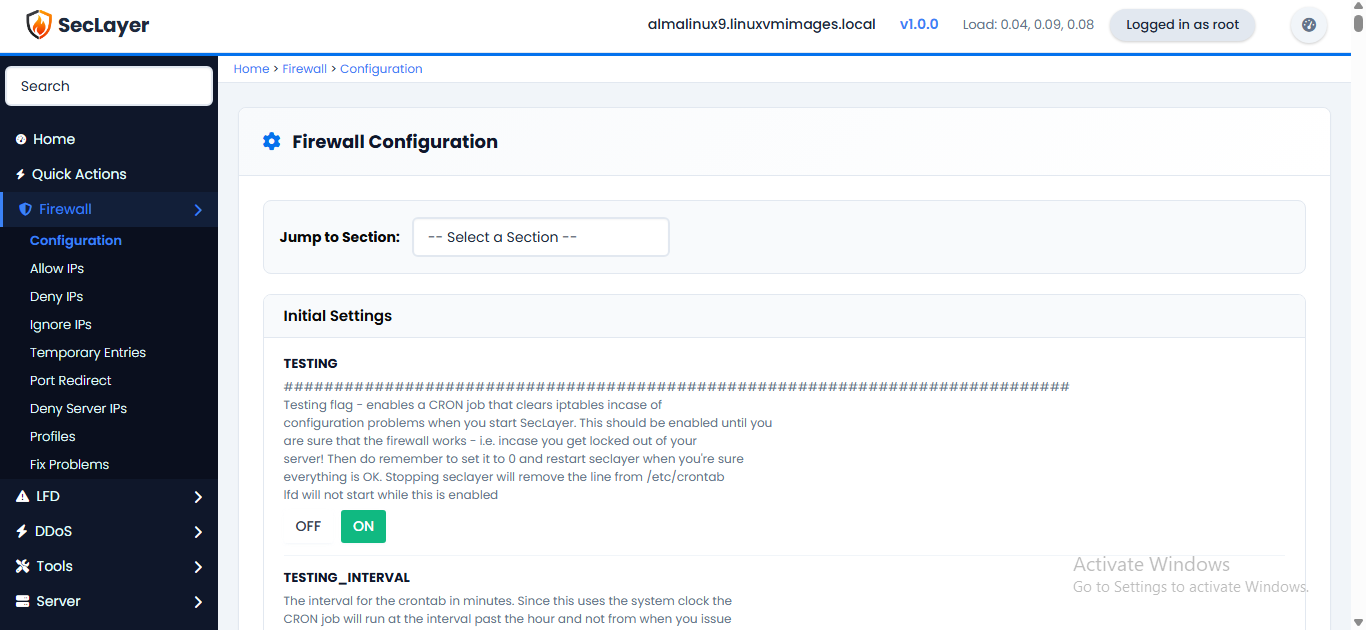
Overview
The Configuration page reads /etc/seclayer/seclayer.conf and presents it as a structured form organized by # SECTION: headers. Each setting shows its key name and description alongside a checkbox, dropdown or text input.
How to Use
- Navigate to Firewall > Configuration in the sidebar.
- Pick a category from the Categories list on the left, or use Search categories or settings... to find a setting.
- Edit the values as needed: checkboxes for on/off settings, dropdowns or text fields for values. Click More info under a setting for details.
- Click Save configuration to apply changes.
- After saving, click Restart SecLayer + LFD for changes to take effect.