Live Logs
Tail log files to monitor security events in real time.
Overview
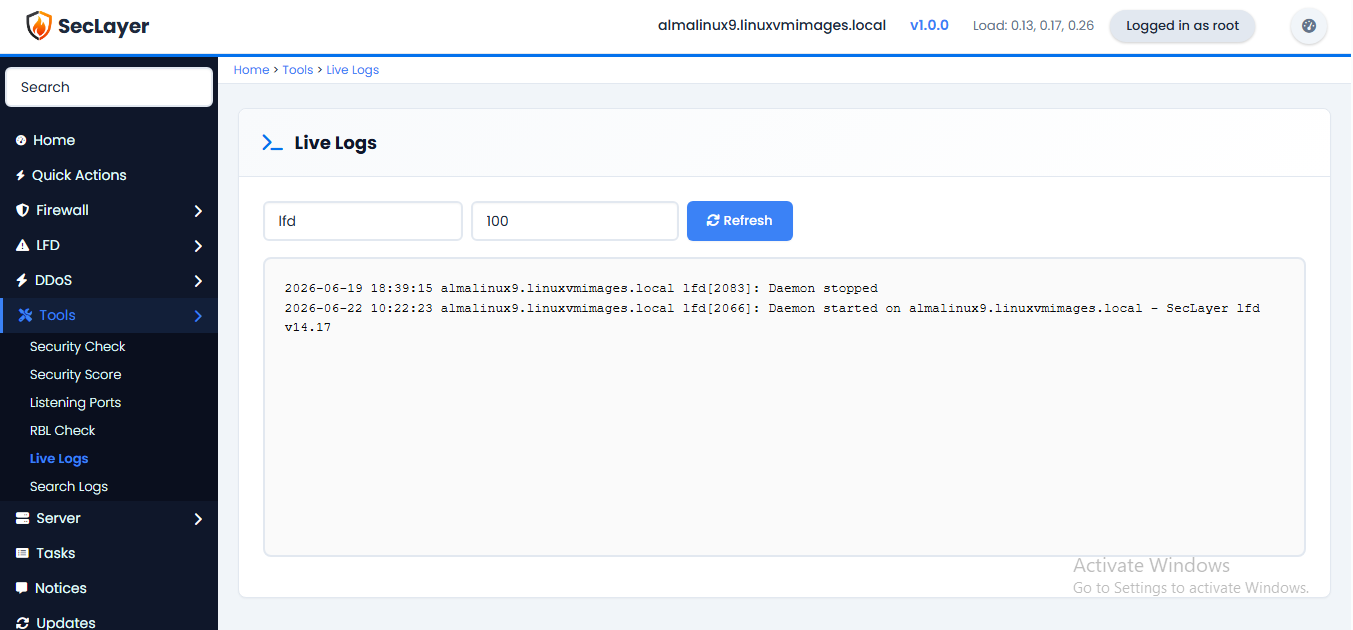
Select a log file, set the number of lines to display, and click Refresh to tail the file. Useful for live monitoring and troubleshooting.
How to Use
- Navigate to Tools > Live Logs.
- Select a log file from the dropdown (lfd.log, messages, secure).
- Set the number of lines to display (default 100).
- Click Refresh to view recent entries.