Listening Ports
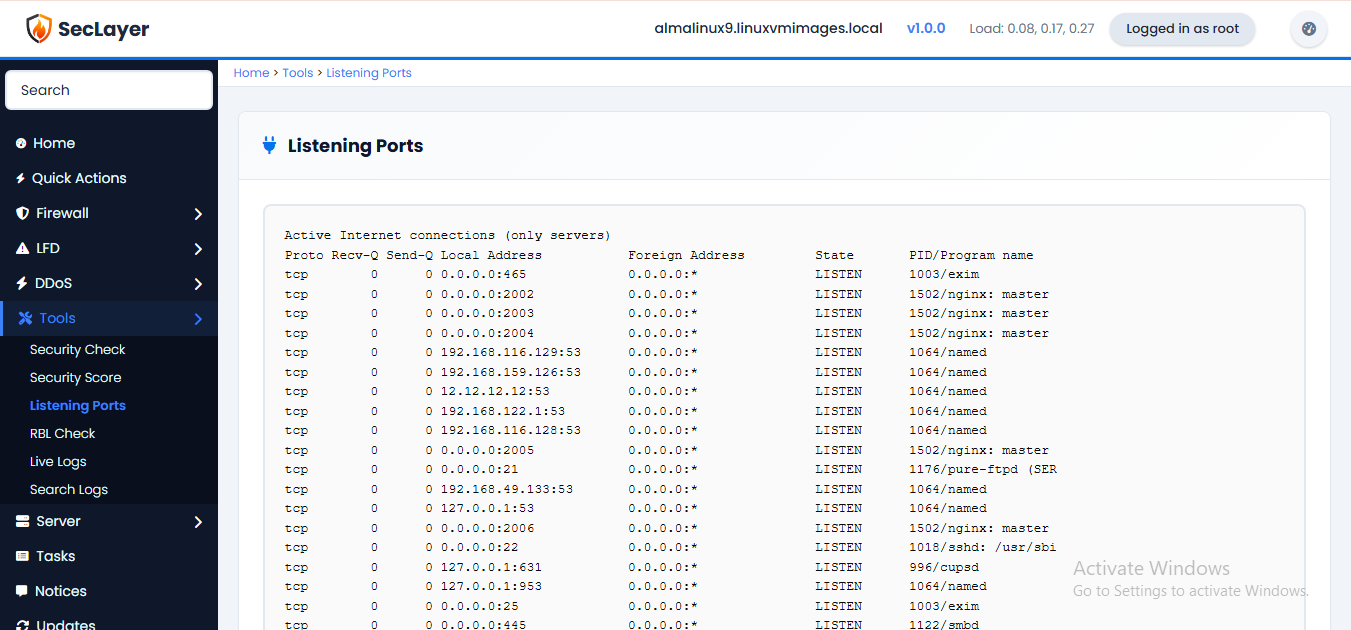
View all currently listening TCP ports on the server.
Overview
Read-only page that runs ss -tlnp and displays the output. Shows all listening TCP ports with associated processes and PIDs.
How to Use
- Navigate to Tools > Listening Ports.
- Review the open ports and associated processes.
- Use the Return button to go back.