Quick Actions
Quickly allow, deny, ignore, or unblock IPs from a single page.
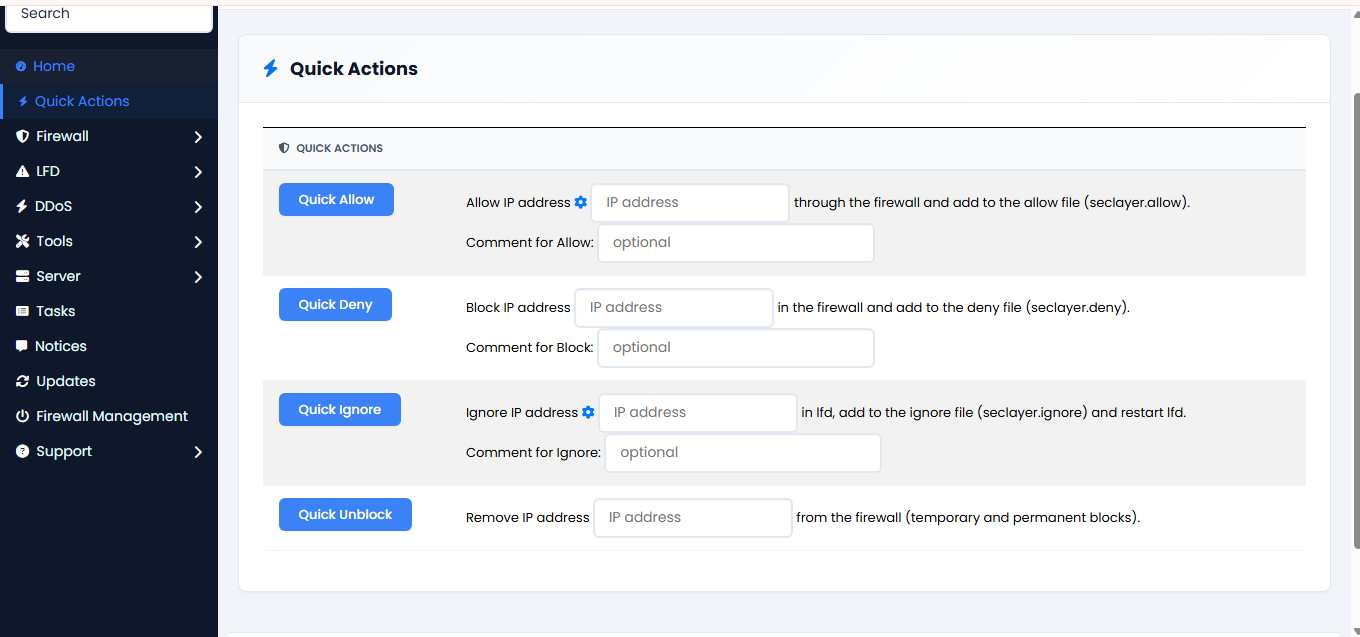
Quick Allow
- Enter the IP address in the IP address field.
- Click the gear icon to auto-fill your own IP.
- Optionally enter a comment in the Comment for Allow field.
- Click the Quick Allow button to add the IP to the firewall allow list.
Quick Deny
- Enter the IP address in the IP address field.
- Optionally enter a comment in the Comment for Block field.
- Click the Quick Deny button to block the IP immediately.
Quick Ignore
- Enter the IP address in the IP address field.
- Click the gear icon to auto-fill your own IP.
- Optionally enter a comment in the Comment for Ignore field.
- Click the Quick Ignore button to add the IP to the ignore list. LFD restarts automatically.
Quick Unblock
- Enter the IP address in the IP address field.
- Click the Quick Unblock button to remove the IP from all firewall blocks (temporary and permanent).