Manage LFD
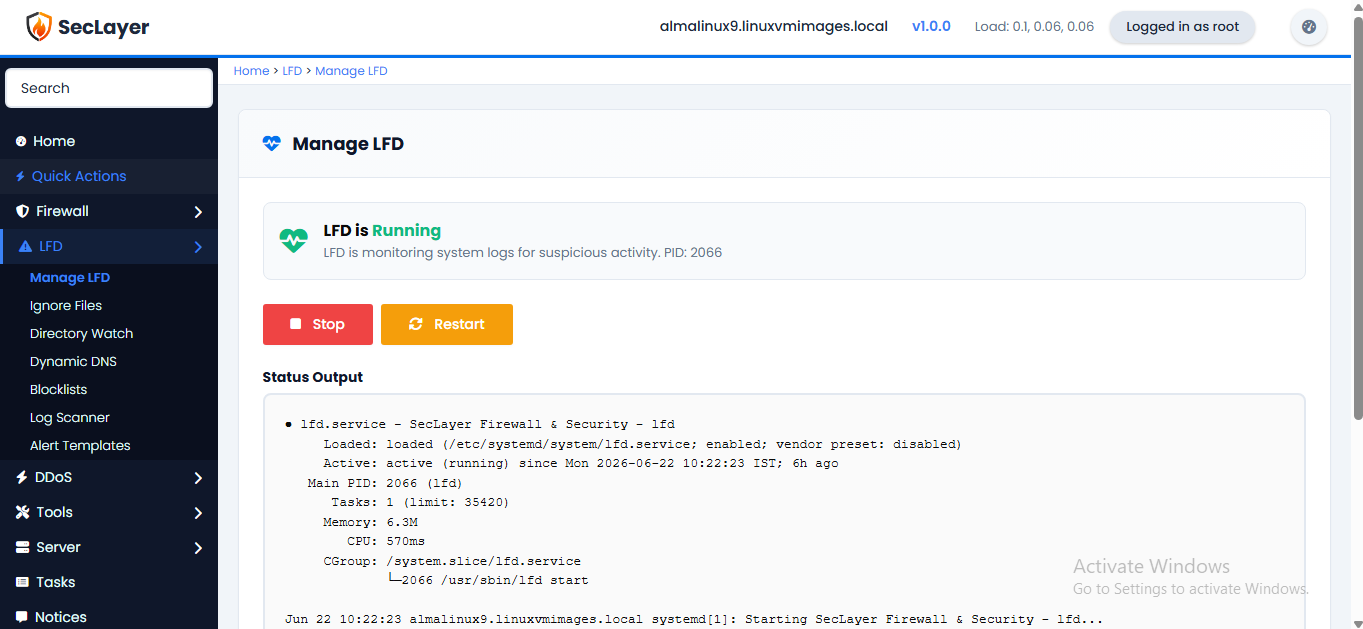
Start, stop, restart, and monitor the Login Failure Daemon service.
Overview
Displays a status indicator (green when running, red when stopped) with the current PID. Provides Start, Stop, and Restart buttons.
How to Use
- Navigate to LFD > Manage in the sidebar.
- View the current service status.
- Click Start, Stop, or Restart as needed.
- Confirm the action when prompted.