Log Scanner
Specify log files and patterns for LFD to scan.
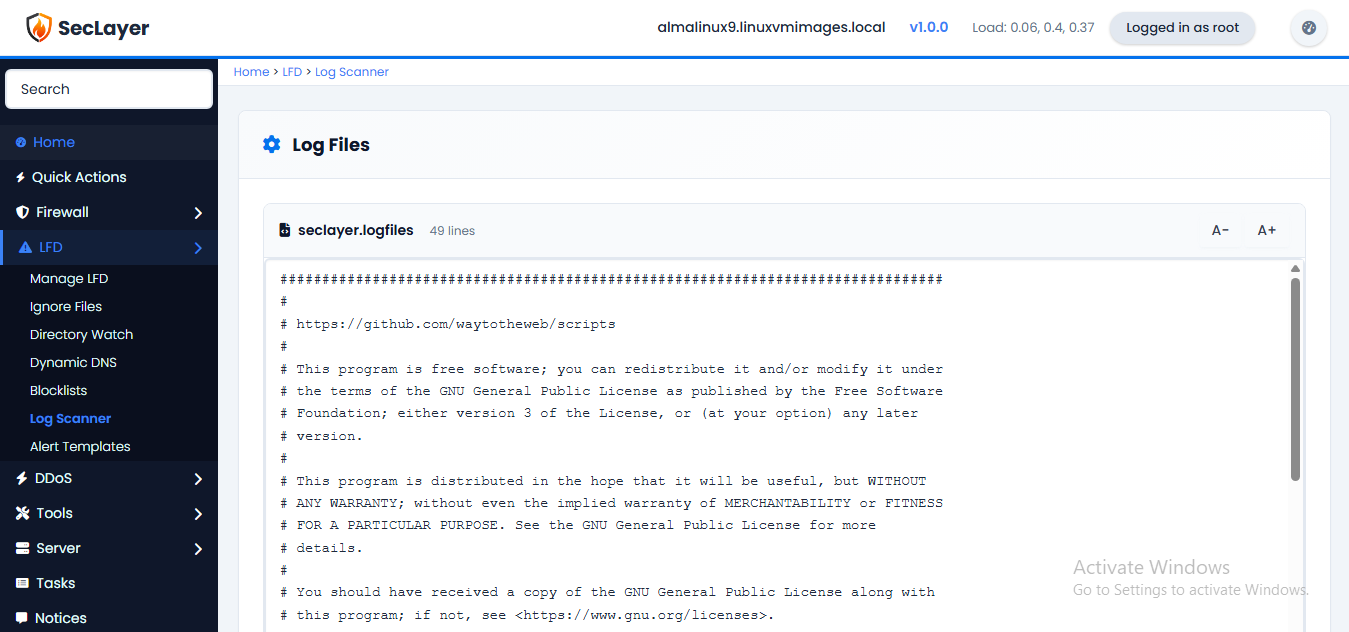
Overview
Raw text editor for the Log Scanner config file. Specifies which log files LFD should monitor and scan for suspicious activity.
How to Use
- Navigate to LFD > Log Scanner.
- Enter log file paths and patterns to watch.
- Click Save Changes.