LFD Ignore Files
Manage LFD ignore lists for IPs, processes, files, and more.
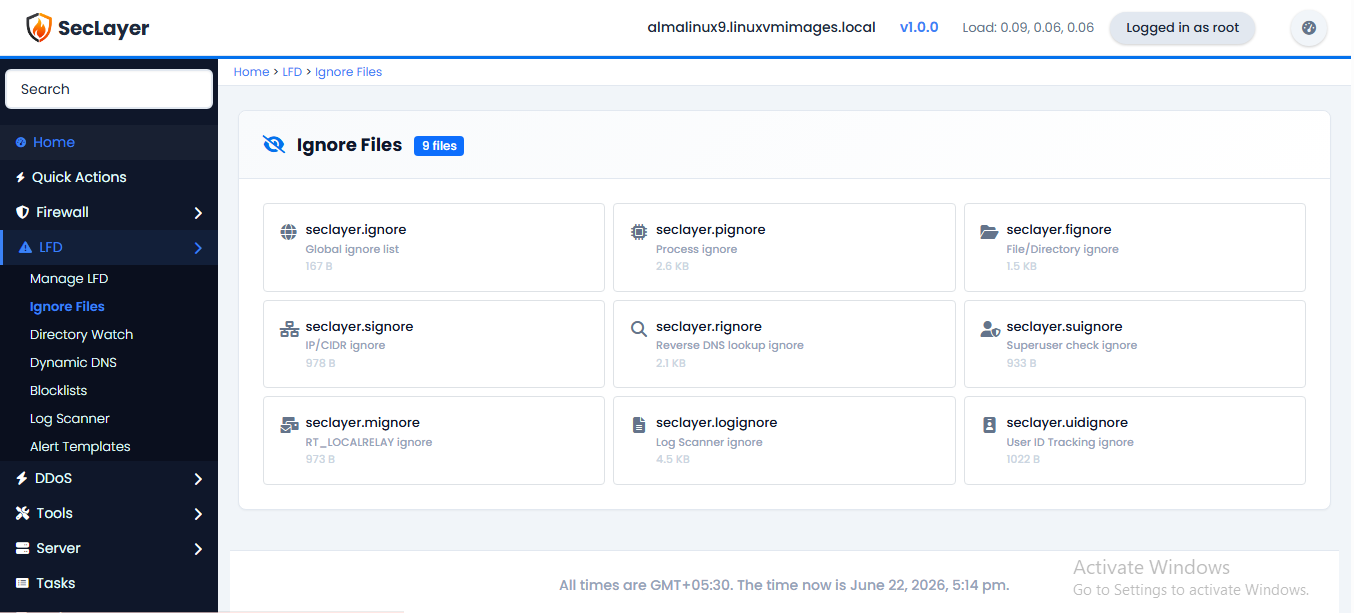
Overview
Provides access to nine LFD ignore list files via a grid of file cards. Click a card to open a raw text editor for that file.
Available Ignore Files
- seclayer.ignore — Global IP ignore list
- seclayer.pignore — Process ignore list
- seclayer.fignore — File/directory ignore list
- seclayer.signore — IP/CIDR ignore list
- seclayer.rignore — Reverse DNS ignore list
- seclayer.suignore — Superuser check ignore list
- seclayer.mignore — Relay ignore list
- seclayer.logignore — Log scanner ignore list
- seclayer.uidignore — User ID tracking ignore list
How to Use
- Navigate to LFD > Ignore Files.
- Click the card for the file you want to edit.
- Add entries (one per line) in the text editor.
- Click Save Changes.