Directory Watch
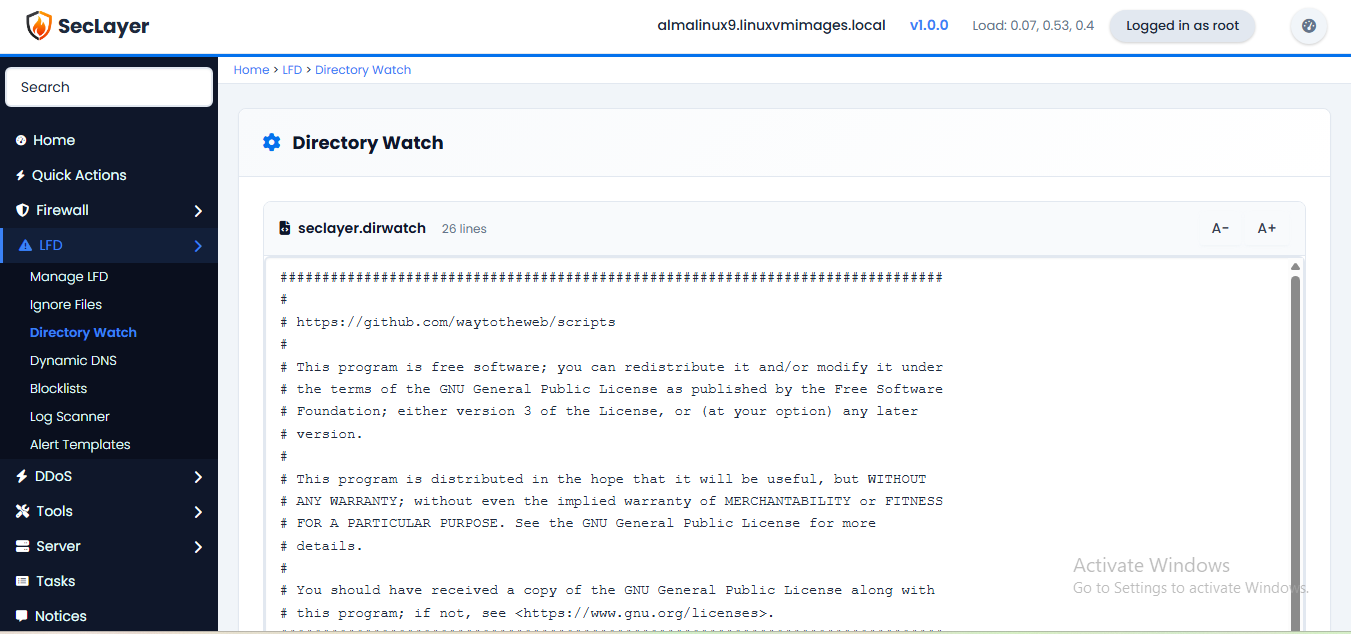
Configure directories for LFD to monitor for file changes.
Overview
Raw text editor for the Directory Watch config file. Defines which directories LFD should monitor for file changes, additions, or deletions. When a change is detected, an alert is triggered.
How to Use
- Navigate to LFD > Directory Watch.
- Enter directory paths to monitor, one per line.
- Click Save Changes.