Blocklists
Configure external blocklist URLs for automatic IP blocking.
Overview
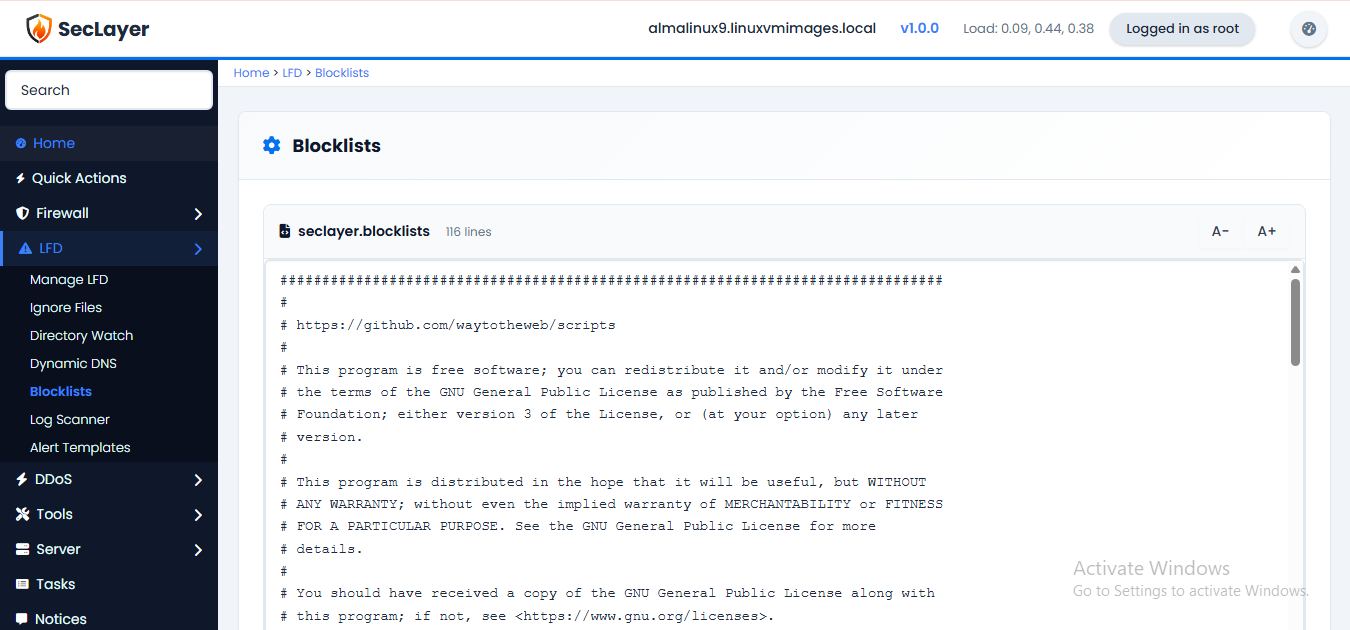
Raw text editor for the Blocklists config file. Defines external blocklist URLs that LFD periodically downloads and applies. IPs found on configured blocklists are automatically blocked.
How to Use
- Navigate to LFD > Blocklists.
- Enter blocklist URLs, one per line.
- Click Save Changes.