Temporary Entries
Add temporary IP blocks and allows with configurable timeouts.
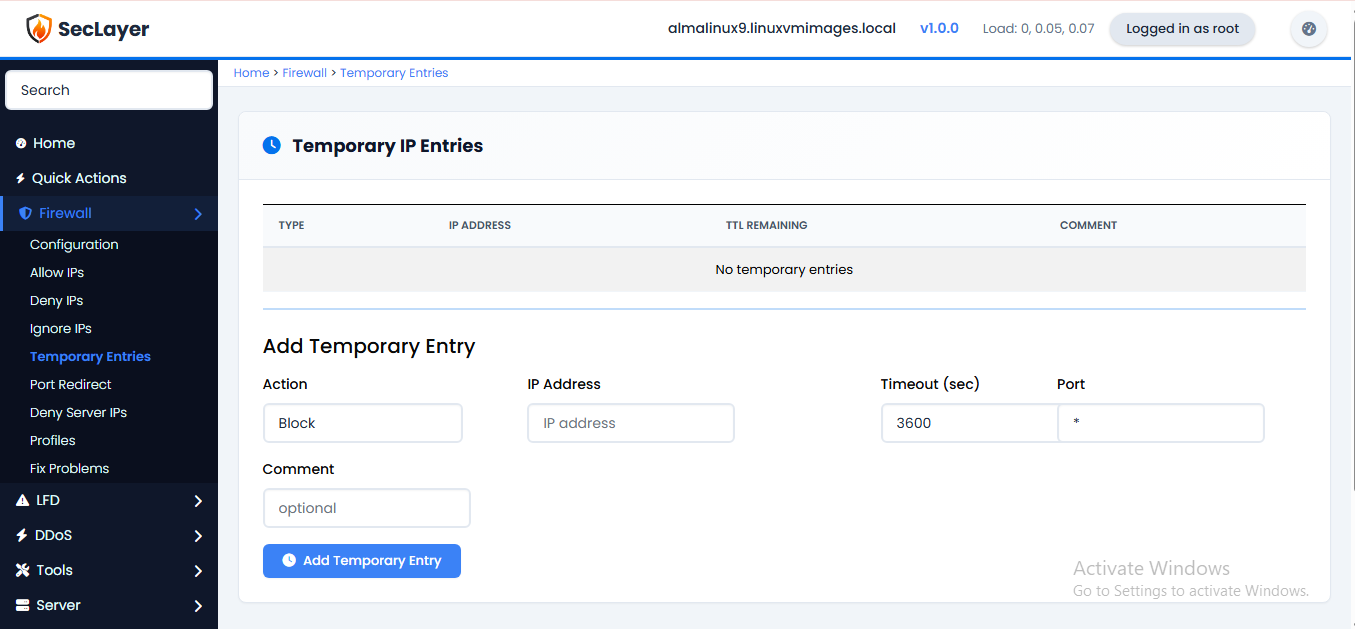
About This Page
Displays a table of temporary IP blocks and allows from /var/lib/seclayer/seclayer.tempban and seclayer.tempallow. Each entry shows type (DENY/ALLOW), IP address, TTL remaining, and optional comment.
How to Use
- Navigate to Firewall > Temporary Entries.
- To add an entry: enter the IP, select type (DENY/ALLOW), set timeout, add optional comment.
- Click Add to apply.
- Use Flush All to remove all temporary entries.
CLI Equivalent
Manage temporary bans and temporary allows from SSH:
# Temporarily ban an IP for 1 hour (3600 seconds):
seclayer -td 203.0.113.88 3600 "Brute force attack"
# Temporarily allow an IP for 30 minutes (1800 seconds):
seclayer -ta 192.0.2.25 1800 "Admin access"
# Remove a temporary ban or temporary allow:
seclayer -tr 203.0.113.88
seclayer -tar 192.0.2.25
# List all active temporary entries:
seclayer -t