Firewall Management
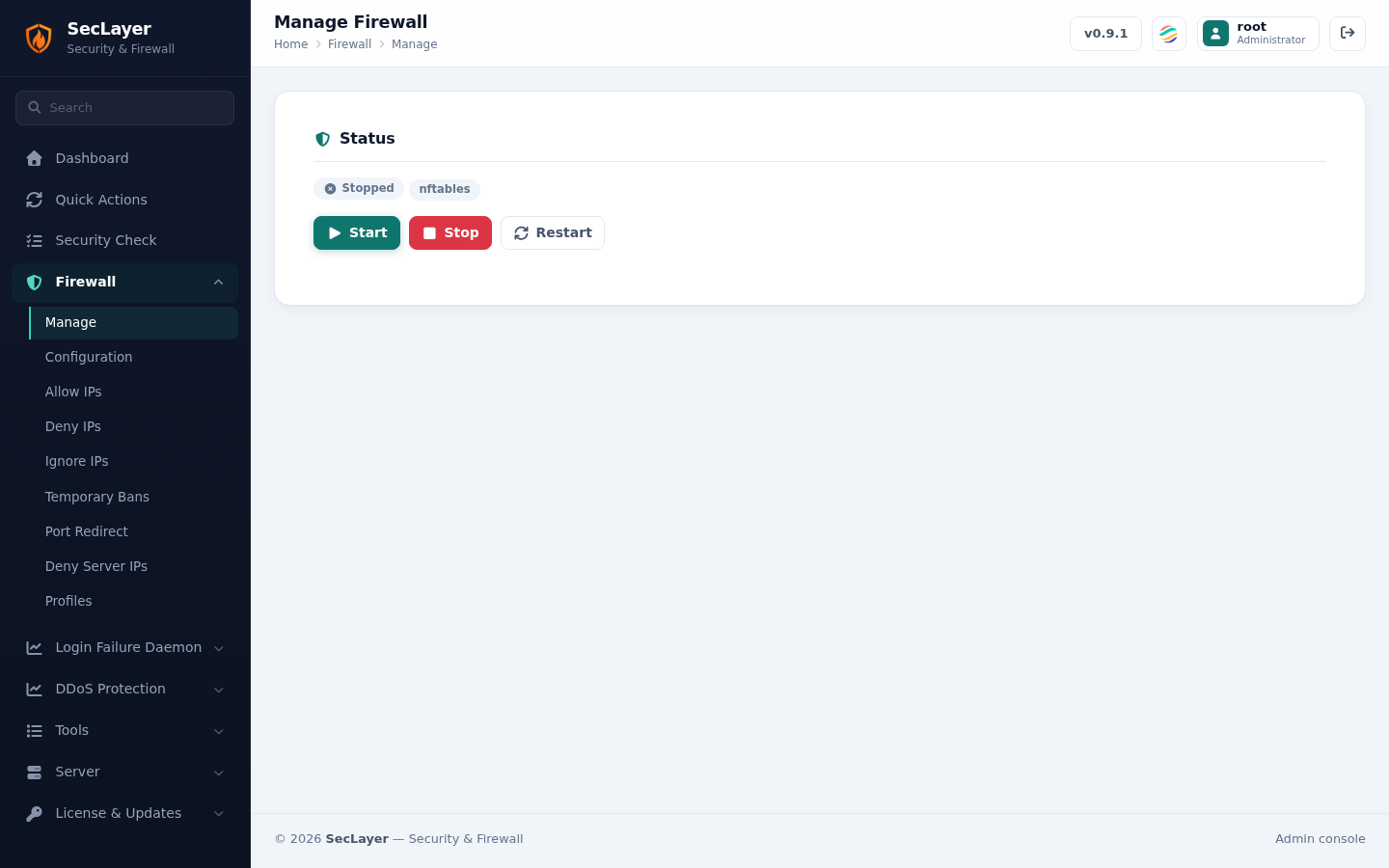
Start, stop, restart, enable, and disable the SecLayer firewall service.
Service Control
Displays the current firewall state:
- Active — Green check, rules loaded.
- Disabled — Red, disable file exists.
- Stopped — Yellow warning, no rules loaded.
Context-sensitive action buttons are shown: Enable or Start when stopped, Stop, Restart, and Disable.
How to Use
- Navigate to Firewall > Management.
- View the current status of the firewall.
- Click the appropriate action button.
- Confirm the action in the dialog.