
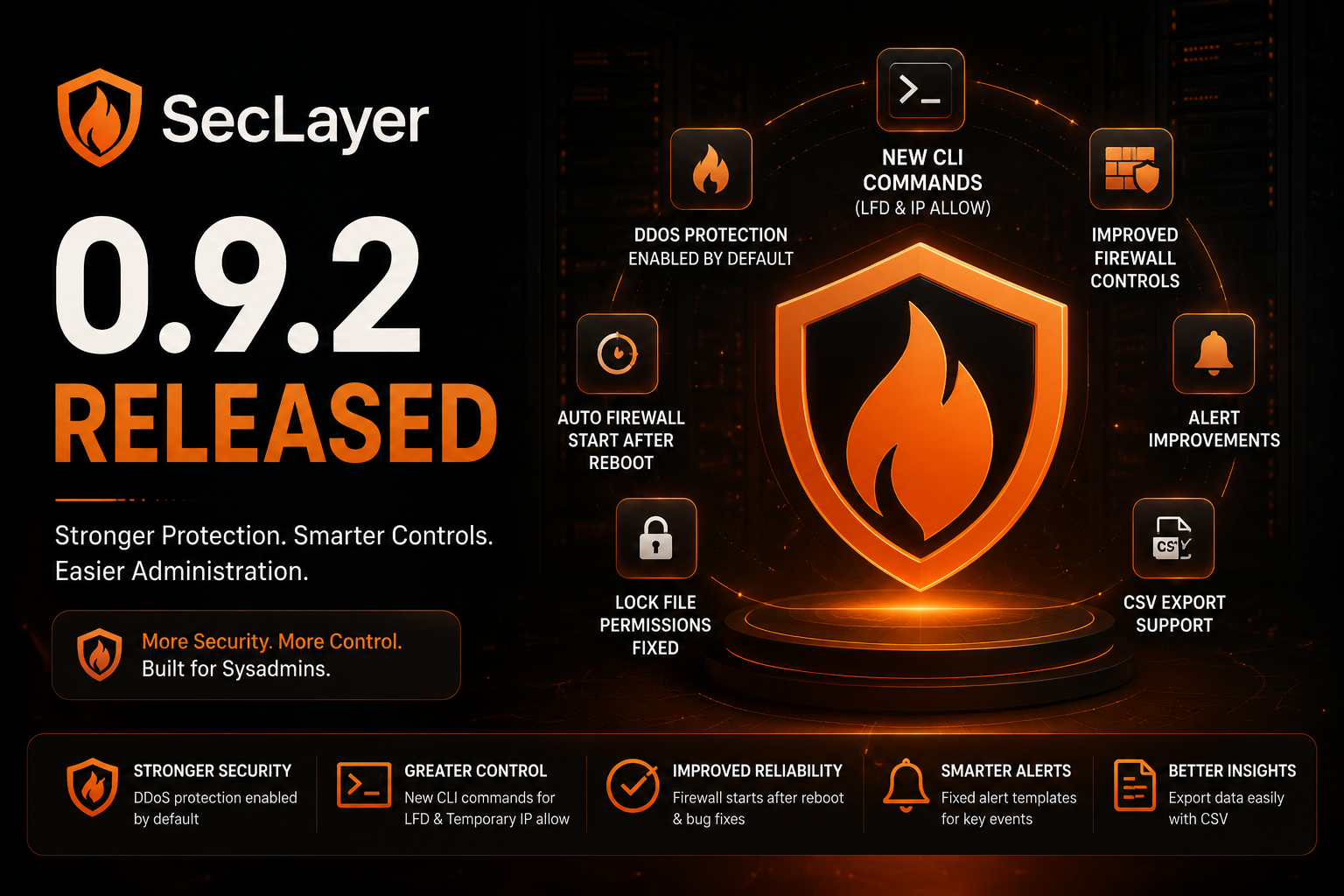

We’re excited to announce the release of SecLayer 0.9.2, bringing a range of improvements focused on firewall management, DDoS protection, alerting, reliability, and administration.
This release addresses several issues reported in previous versions while adding new CLI functionality and making SecLayer easier to manage in production environments.
🚀 What’s New in SecLayer 0.9.2
New CLI Commands for LFD
SecLayer 0.9.2 introduces CLI support for managing LFD (Login Failure Daemon) directly from the command line.
Administrators can now start, stop, and restart LFD without having to rely exclusively on the web interface.
This makes routine administration and automation easier, especially for server admins who prefer command-line management.
New CLI Commands for Temporary IP Allow
A new CLI feature allows administrators to temporarily allow IP addresses, with commands available to both add and remove temporary entries.
This can be particularly useful when troubleshooting access issues, performing maintenance, or temporarily bypassing firewall restrictions without permanently modifying the allowlist.
Note: The commands for Temporary IP Deny were already present.
Firewall Now Starts Correctly After Reboot
With SecLayer 0.9.2, the firewall startup process has been corrected so that protection is restored properly after a reboot.
This is especially important for production servers, where security controls should remain active without requiring manual intervention after system restarts.
DDoS Protection Now Enabled by Default
This has now been corrected. New installations automatically enable DDoS protection, providing an additional layer of security from the moment SecLayer is deployed.
Alert Template Fixes
This includes alerts related to events such as:
- Failed login attempts
- Process usage
- Other monitored security and system events
These fixes help ensure administrators receive the notifications they expect when SecLayer detects relevant activity.
CSV Export
CSV files can be useful for reporting, auditing, analysis, and keeping external records of security-related information.
Fixed Lock File Permissions
The underlying permission issue has been fixed in 0.9.2, improving reliability across the web interface.
Improved Firewall Restart Button
In SecLayer 0.9.2, this behavior has been corrected. The restart firewall option is now shown only when saving settings that require a firewall restart.
This provides a cleaner and more accurate administration experience.
We'd Love Your Feedback
These features were developed based on community feedback, and we'd love to hear what you'd like to see next.
If you have feature requests, suggestions, or encounter any issues, please let us know. Your feedback helps shape the future of SecLayer.
Thank you for choosing SecLayer to protect your servers. We hope you enjoy this release!
The SecLayer Team