
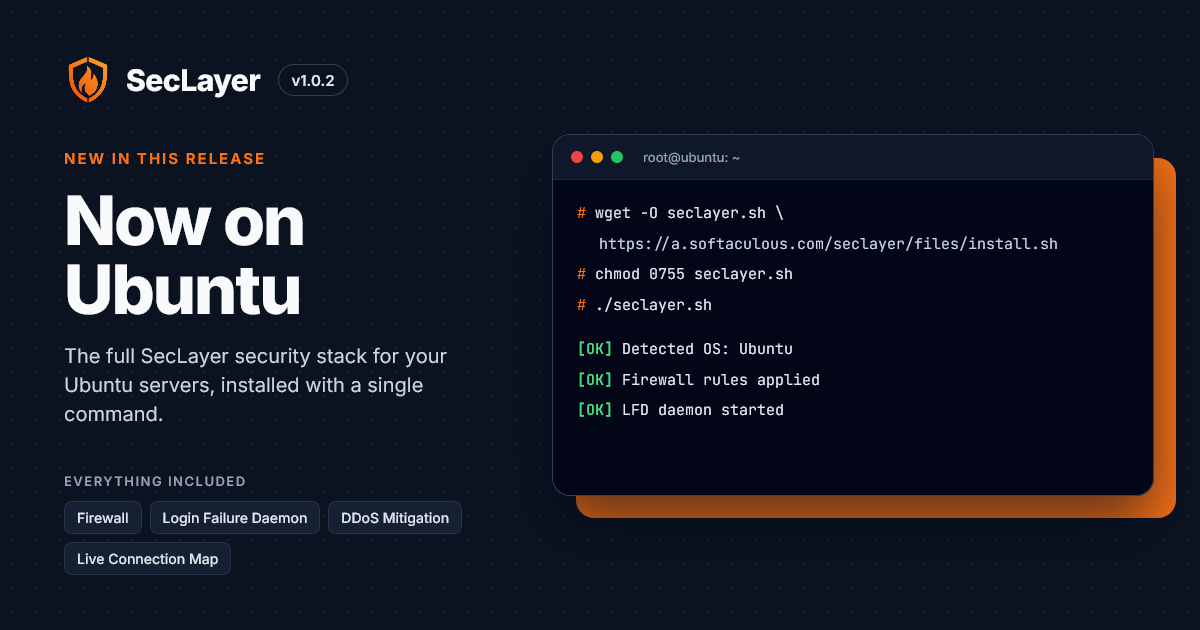

We're happy to announce the release of SecLayer v1.0.2, which brings full support for Ubuntu. Admins running Ubuntu servers can now install SecLayer with the same single command and get the complete security stack: the firewall, Login Failure Daemon, DDoS mitigation, intrusion detection and the Live Connection Map.
What's New in v1.0.2
Ubuntu Support
Ubuntu is one of the most popular Linux distributions for servers, and it's been one of the most requested additions to SecLayer. With v1.0.2, SecLayer now officially supports Ubuntu 22.04 LTS and 24.04 LTS.
The installer automatically detects Ubuntu, configures the firewall and services for it, and applies security best practices by default. No manual tuning is needed.
Everything you get on other supported distributions is available on Ubuntu too:
Installing SecLayer on Ubuntu
Installation takes a single command. Run the following as root:
wget -O seclayer.sh https://a.softaculous.com/seclayer/files/install.sh
chmod 0755 seclayer.sh
./seclayer.sh
chmod 0755 seclayer.sh
./seclayer.sh
For the full walkthrough, see the Installation Guide.
With v1.0.2, SecLayer's protection is now available to the many admins who run their servers on Ubuntu. If you've been waiting for Ubuntu support, now is a great time to give SecLayer a try. And remember, SecLayer is free on any server with a Softaculous license.
Thank you for your feedback and support. Stay tuned: more features are on the way in the next version.
Thank you for your feedback and support. Stay tuned: more features are on the way in the next version.
Get Started with SecLayer
Regards,
The SecLayer Team
The SecLayer Team