License Status
View your SecLayer license status, registered server IP, expiration, and key management.
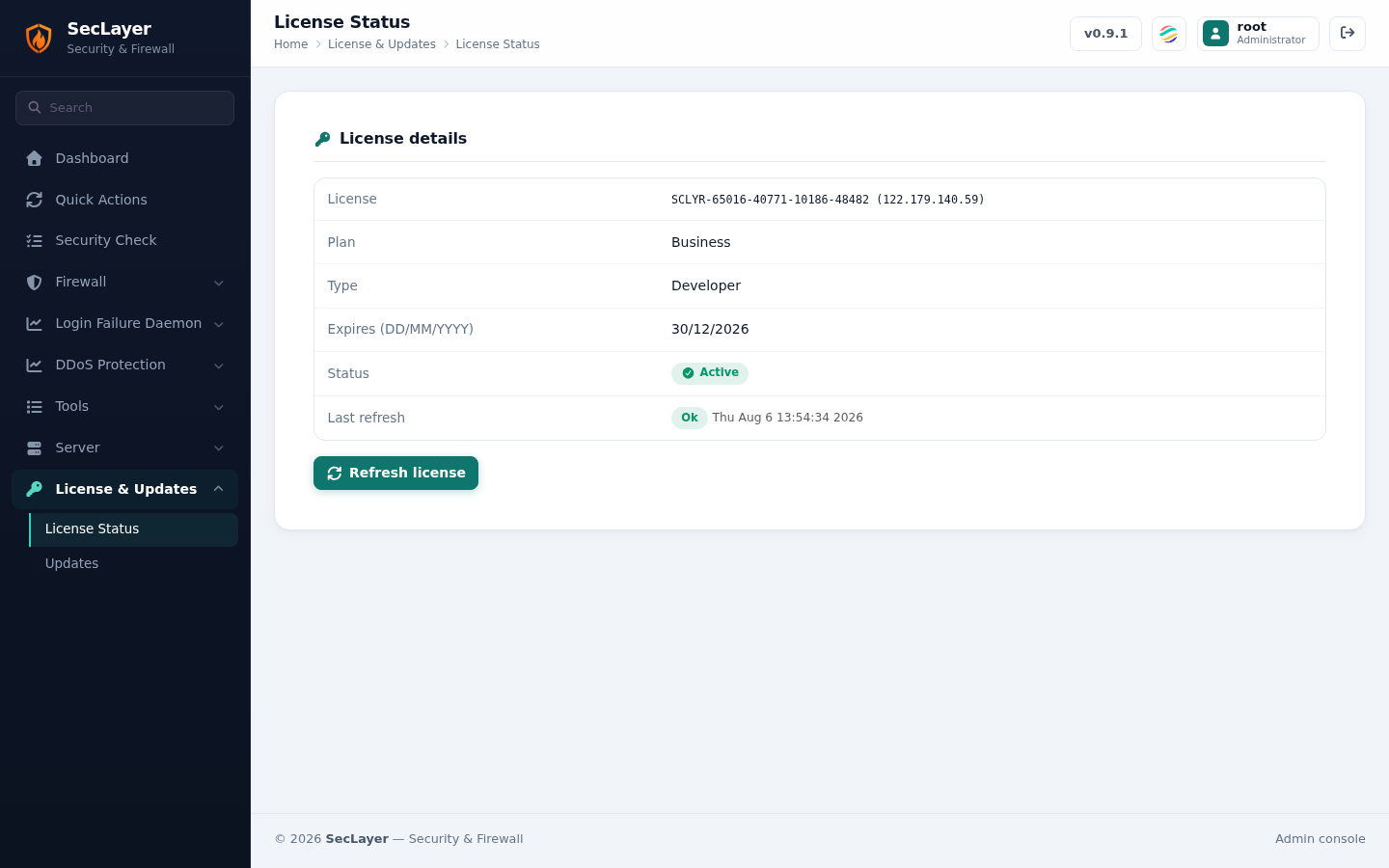
Overview
The License Status page displays your active SecLayer license details, including authorization status, registered IP address, key type, and expiration countdown. SecLayer licenses are tied to server IP addresses.
License Status Information
- License Status — Displays whether protection and admin UI features are active or restricted.
- Registered Server IP — The licensed primary IP address of the server.
- Expiration Date — Next renewal date or expiration time.
- License Key — Active license authorization key.
How to Use
- Navigate to License & Updates > License Status.
- Click Refresh License to fetch updated licensing status from the central server.
- If entering a new key, paste your key into the input field and click Activate Key.